
Writing markdown
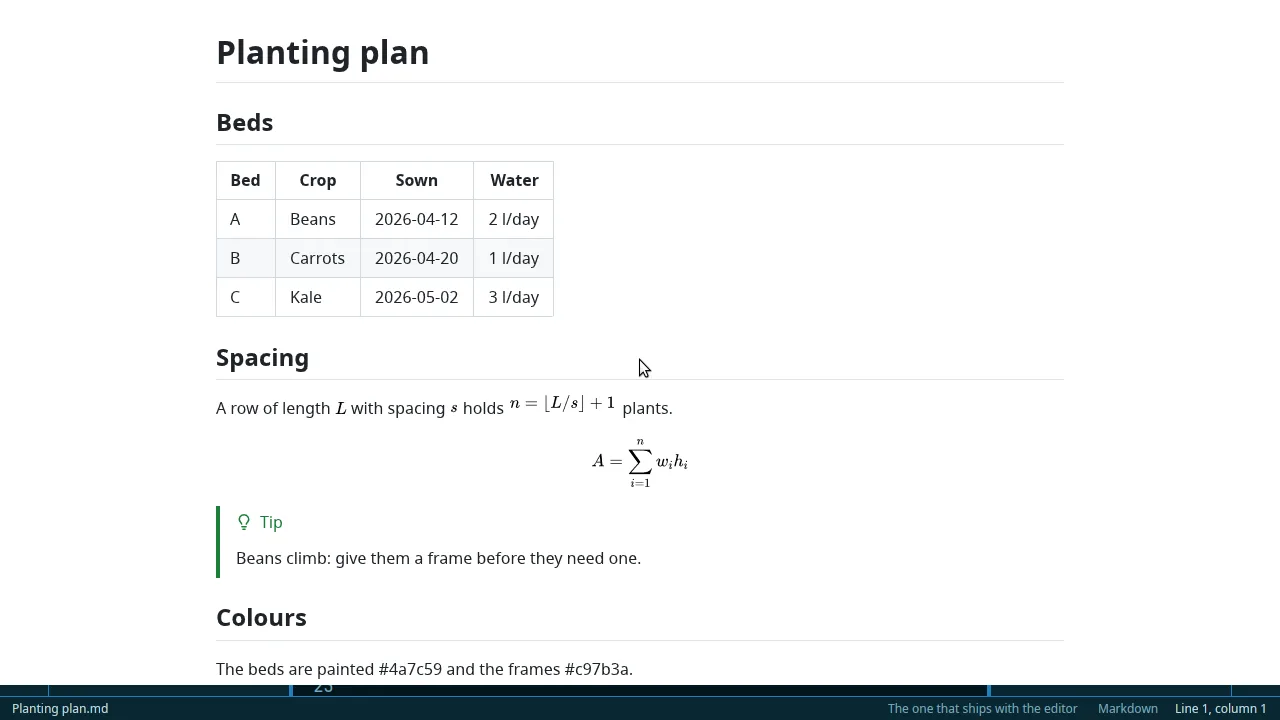
- Live preview, beside or instead
- Outline
- Table of contents
- The / palette
- Templates
- Today's note
- Lists that continue
- Alerts & callouts
- Footnotes
- Front matter
- Tags
- Formatting
- Spell check
- Paste & drop images
- Clipboard history
A light, fast editor for notes and code: live preview, tables and formulae in their own windows, projects, git, whiteboards and logs — native, offline, in English and French.
Free software (AGPL-3.0) · no account, no telemetry, no network
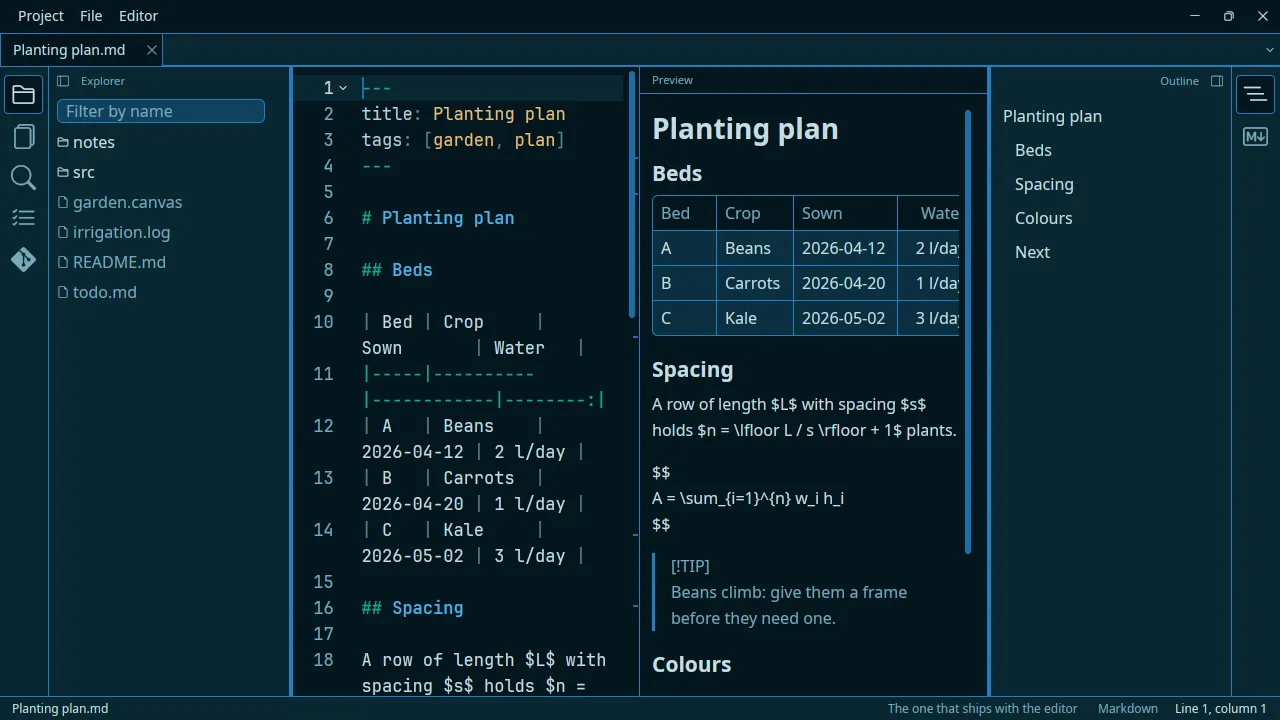
I built this editor first of all for my own use, to bring together in one place several things I like using when I work on a project or on my notes (I sync my notes with a git repo and write them in Markdown). It’s also a way for me to try out working with AI and see what it does well and where it falls short.
I use and test it on Linux (Ubuntu), but there’s a Windows guide so you can try compiling it on Windows. If enough of you do, I might think about something more lasting. For now it isn’t worth it if I end up being the only one using it.
It’s built on a fairly “classic” Rust tech stack.
If you give it a try, I’d love to hear what you think!
The whole list, without the details — each one has its page in the documentation.
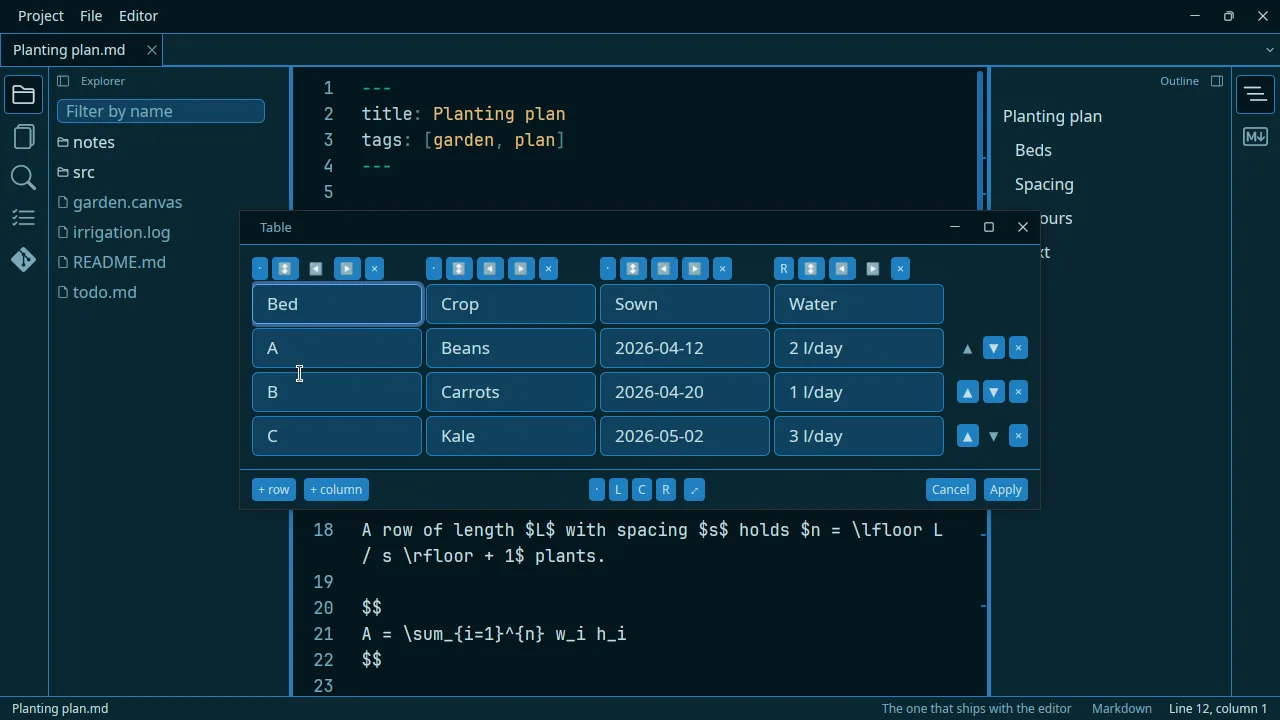
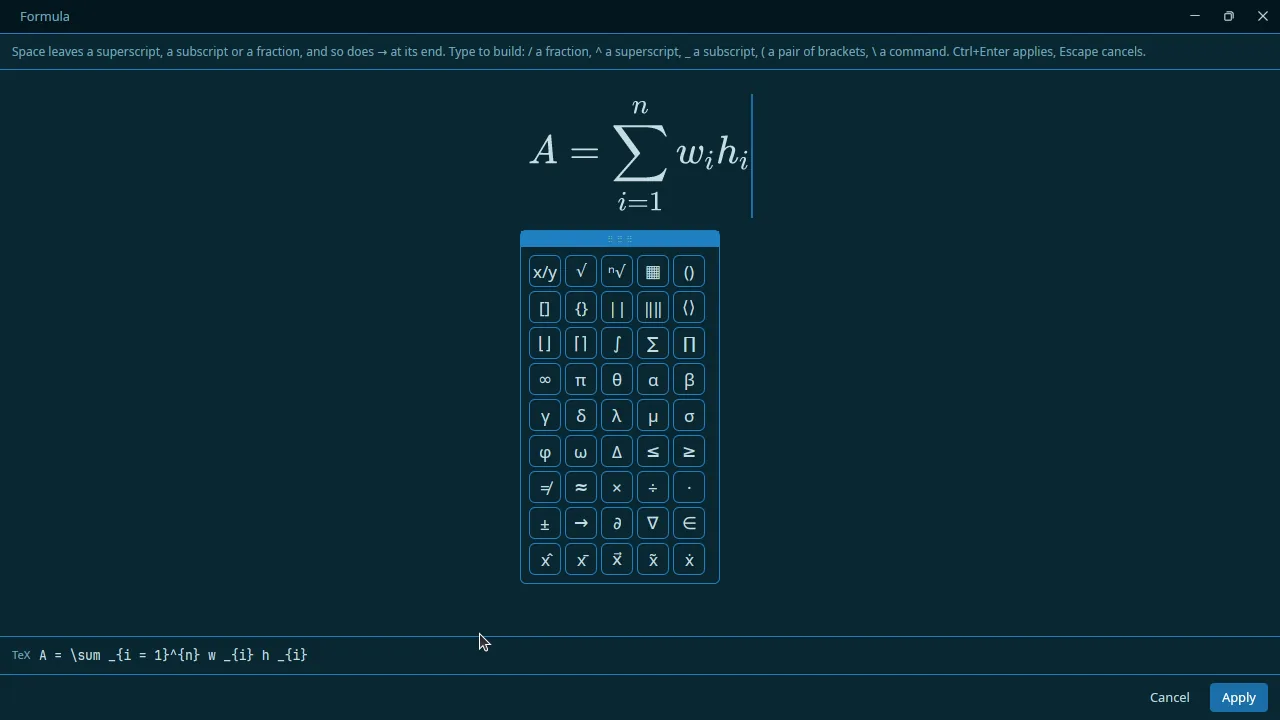
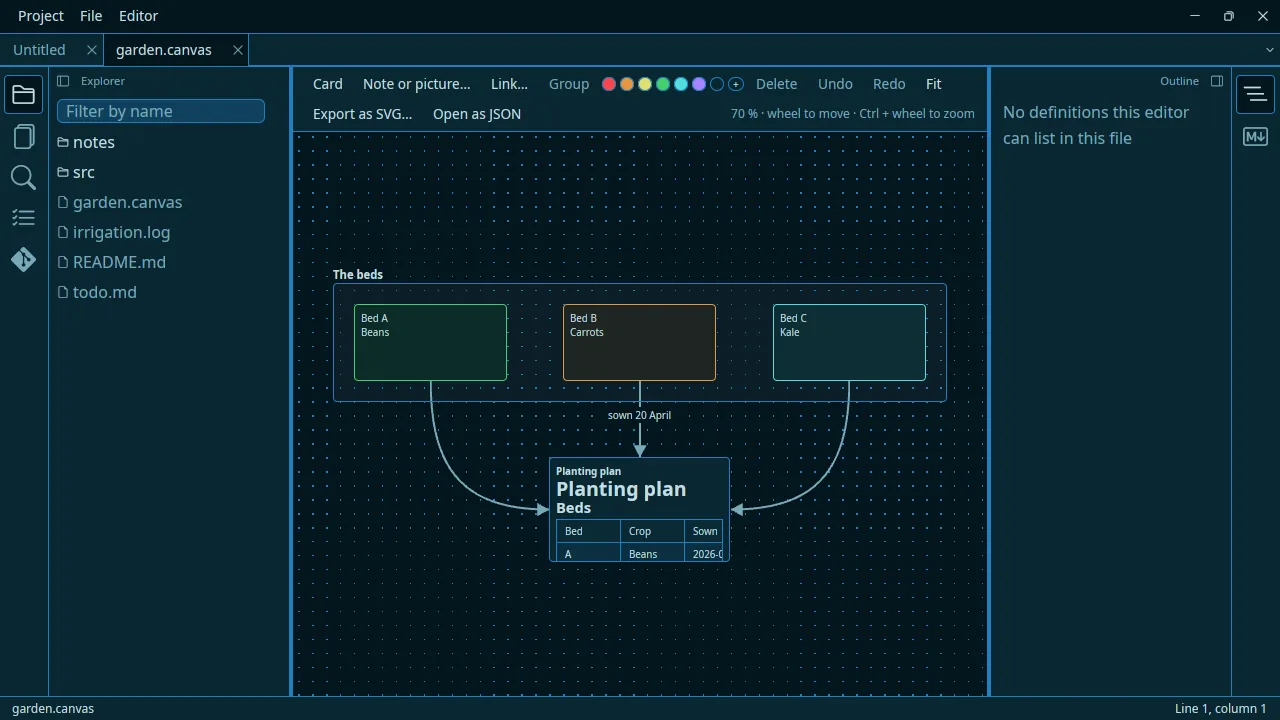
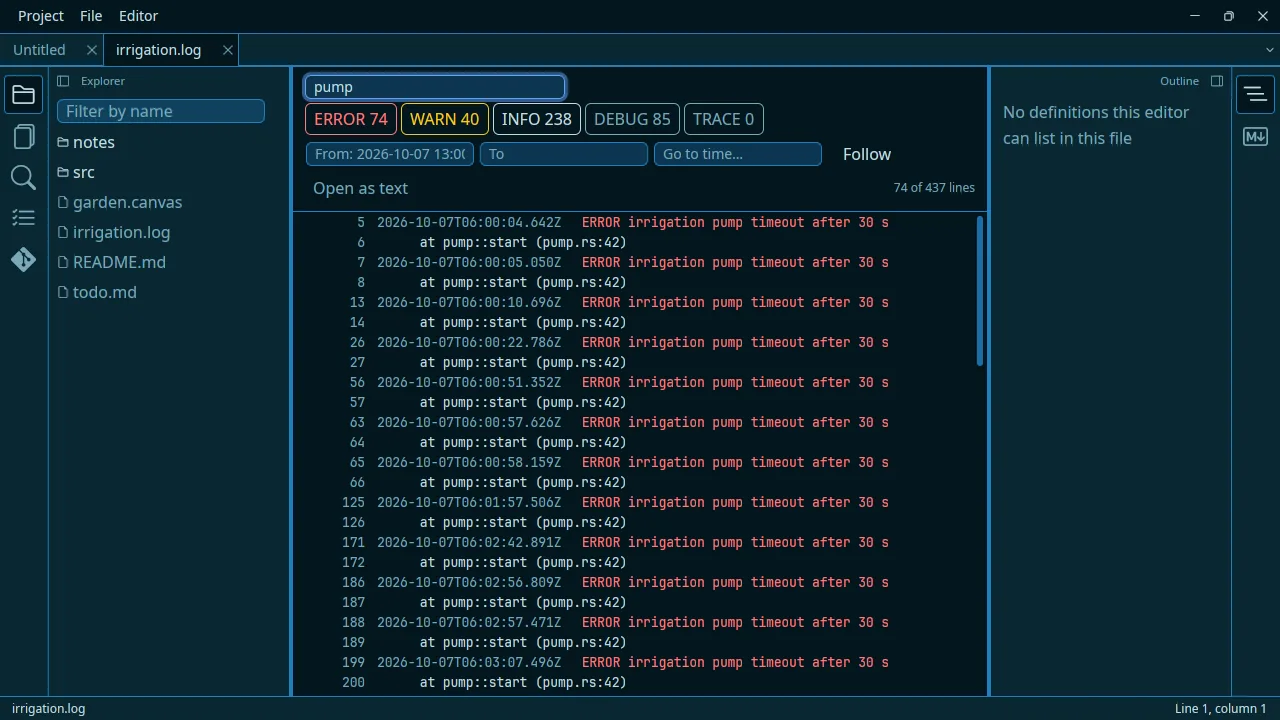
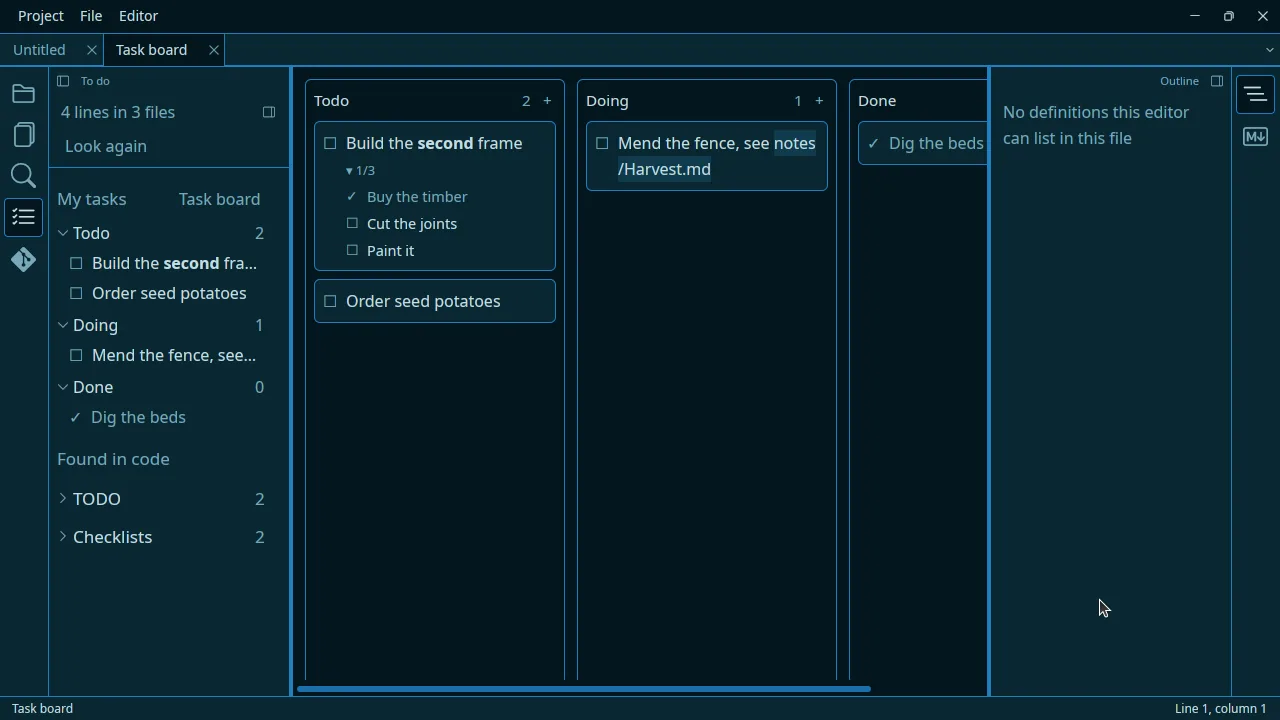
Tables, formulae, whiteboards and logs are edited where they make sense — and written back to plain text.
Every feature ships with a performance budget it is tested against.
No account, no telemetry, no network request the editor makes for you.
Markdown, .canvas, todo.md, TOML: everything readable in any other tool.
A deliberate limit. It is what keeps the editor small and quick.
Download it, open a folder of notes, and follow First steps.